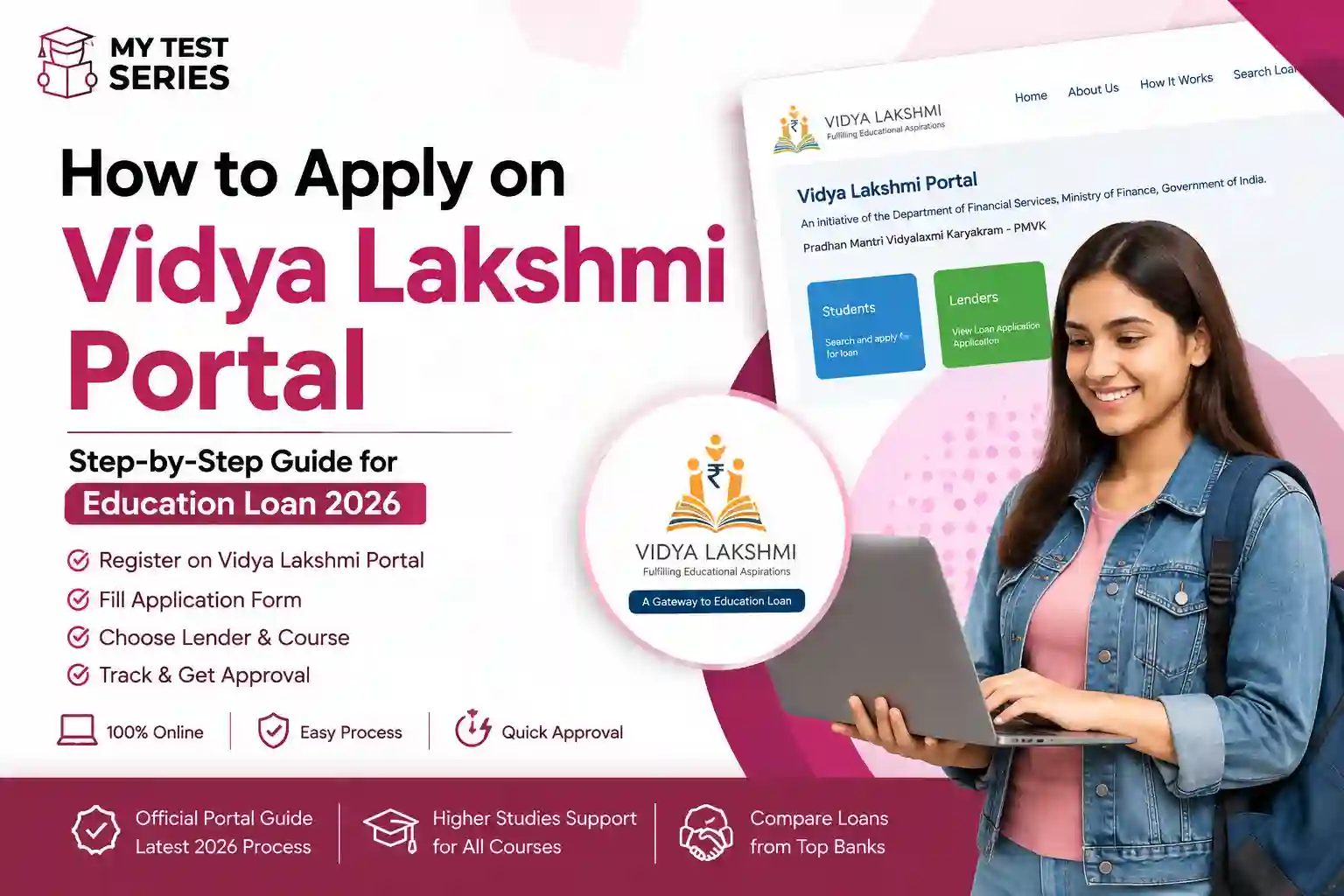
How to Apply on Vidya Lakshmi Portal: Step-by-Step Guide (2026)
The Vidya Lakshmi education-loan application process is now handled through the official PM-Vidyalaxmi portal. Students can register online, complete an application, upload documents, choose eligible banks and track the application without visiting multiple bank websites to begin the process.
This practical guide explains how to register, fill in the application, select banks, upload documents, check your status and understand interest-subsidy eligibility.
Open Official PM-Vidyalaxmi Portal Read Official FAQsBefore applying, understand the overall funding process in our Student Financing Guide for India. It covers education loans, scholarships and other ways to manage higher-education expenses.
What Is the Vidya Lakshmi Portal?
The Vidya Lakshmi name is associated with India's online education-loan application service. Students should now use the official PM-Vidyalaxmi portal at pmvidyalaxmi.co.in for current application and scheme information.
The unified portal allows students to apply for eligible education loans offered by participating banks. It also provides access to application tracking, information about participating lenders and interest-subvention facilities for eligible applicants.
Online registration
Create a student account using the required personal and contact information.
One application process
Enter personal, academic and course details in the prescribed form.
Bank selection
Select eligible participating banks based on your requirements and available options.
Application tracking
Review the application status and respond to requests for additional information.
The portal is an application channel, not a lender itself. The bank evaluates the application and makes the loan decision.
What to Prepare Before Applying
Preparing your details in advance makes it easier to complete the application accurately. Keep the following information and documents accessible before you start.
- Your name exactly as recorded in your Class 10 certificate or other required identity record.
- A valid mobile number and email address that you can access.
- Identity details and Aadhaar, where required by the applicable scheme.
- Academic records and qualifying examination details.
- Your admission letter or proof of admission, where applicable.
- The official course fee structure and duration.
- Details of the college, university and course.
- Parent or guardian details and income information, where requested.
- Bank and financial details requested in the application.
- Scanned copies of documents in the file formats and sizes accepted by the portal.
How to Register on the Vidya Lakshmi Portal
Follow these steps to create your account.
- Open the official website. Visit pmvidyalaxmi.co.in. Check the domain carefully before entering personal information.
- Choose student registration. Open the student sign-up or registration option on the portal.
- Enter your name. Use the name in the format requested by the portal. The official registration instructions ask applicants to enter their name as recorded on their Class 10 mark sheet.
- Provide your mobile number and email address. Use contact details you can access because the portal may send verification codes and application communications.
- Create a password. Follow the password requirements displayed on the official website. Use a unique password that you do not use for banking or email.
- Complete verification. Follow the on-screen verification instructions and accept the applicable terms and privacy conditions.
- Sign in. Once registration is complete, log in using your registered credentials.
Registration fields and verification procedures may change. Follow the instructions displayed on the official portal during your application.
How to Apply for an Education Loan on the Vidya Lakshmi Portal
After signing in, complete the education-loan application carefully. The official registration instructions describe the general sequence as sign in, apply for a loan, fill in personal and course details, upload documents, choose a bank branch and submit.
Register → Sign in → Apply for Loan → Personal Details → Course Details → Upload Documents → Choose Bank/Branch → Review → Final Submit
Step 1: Sign in to your account
Open the official portal and log in with your registered credentials. If you have forgotten your password, use the portal's official recovery option instead of creating duplicate accounts.
Step 2: Open the education-loan application
Select the option to apply for an education loan. Read the instructions before beginning the form. Check whether you are applying under PM-Vidyalaxmi or another eligible education-loan scheme offered by a participating bank.
Step 3: Enter your personal details
Fill in the requested name, contact information, identity details, address and other personal information. Match the entries with your supporting documents to avoid inconsistencies.
Step 4: Enter your academic and course details
Provide your institution name, course, course duration, admission information and academic history as requested. Select the correct institution and course from the available options when provided.
If the institution is not listed or its details appear incorrect, check the official help instructions before selecting an unrelated institution or submitting inaccurate information.
Step 5: Enter the required financial information
Enter the amount required and the requested information about course expenses, family income or co-borrower details. Use the official fee schedule and supporting financial records.
Step 6: Upload the documents
Upload the documents requested by the form. Check that each file is readable, complete and associated with the correct field. If the portal displays a file-size or file-format restriction, follow it.
Step 7: Select banks and branches
The PM-Vidyalaxmi FAQ states that applicants can select up to three banks through the portal. Available choices depend on the participating banks and application options shown to you.
Step 8: Review the complete application
Check your personal details, institution, course, loan amount, bank choices and uploaded documents. Correct errors before final submission.
Step 9: Submit and save the reference details
Submit the application through the portal. Save the acknowledgement, application reference or other confirmation displayed after submission. Check your registered email and portal account for further instructions.
Start Your ApplicationHow to Select the Right Bank on the Portal
Choosing a bank is an important part of the application. Do not select a lender based only on a promotional interest rate or a promise of fast approval.
| What to compare | What to check |
|---|---|
| Interest rate | Current rate, benchmark and whether the rate can change. |
| Collateral | Whether security is required for your amount and course. |
| Loan amount | Whether the bank can consider your eligible education expenses. |
| Fees and margin | Processing charges, your contribution and other applicable costs. |
| Repayment | Moratorium, repayment tenure, EMI and prepayment conditions. |
| Service and branch | Document requirements, communication and the designated branch. |
You can compare your options in our guide to the best education loans in India without collateral. The guide explains collateral-free lending, scheme conditions, interest subsidies and repayment considerations.
Can I apply to three banks at once?
The official PM-Vidyalaxmi FAQ states that students can select up to three banks in an application. This does not mean that all three banks will approve the loan or that you should accept multiple loans. Review each response and proceed according to your actual funding requirement.
Documents Required for the Vidya Lakshmi Application
The required documents depend on the scheme, lender and your personal circumstances. Commonly requested items include:
- Student identity and address proof.
- Aadhaar details where required under the applicable scheme.
- Student photograph, if requested.
- Academic mark sheets and qualifying examination results.
- Admission letter or proof of admission.
- Course fee structure and duration.
- Parent or guardian details and photograph, if required.
- Income certificate or other accepted proof of family income.
- Bank statements or other financial records requested by the lender.
- Co-borrower or guarantor documents, where applicable.
- Collateral documents if security is required for the loan.
PM-Vidyalaxmi Interest Subsidy: Who May Qualify?
Applying for an education loan and applying for interest support are related but distinct processes. Some eligible students may receive interest subvention under government schemes, subject to the relevant eligibility rules and available benefits.
PM-Vidyalaxmi scheme
Under the PM-Vidyalaxmi scheme, eligible students admitted on merit to designated Quality Higher Educational Institutions (QHEIs) can apply for collateral-free and guarantor-free education loans. Students from families with annual income up to ₹8 lakh may qualify for 3% interest subvention on eligible loans up to ₹10 lakh, subject to scheme conditions and beneficiary limits.
Central Sector Interest Subsidy Scheme (CSIS)
Separate provisions under CSIS may apply to eligible students from economically weaker families pursuing eligible professional or technical higher education in India. The applicable income threshold, course conditions and subsidy rules must be checked against the current official guidelines.
How to check interest-subsidy eligibility
- Read the scheme guidelines and confirm that your institution and course qualify.
- Check the current family-income limit and other eligibility conditions.
- Submit the required information and supporting documents.
- Follow the portal instructions for the applicable interest-subvention application.
- Monitor your account for selection notices or additional requirements.
The official portal's guidance says that interest-subvention applications should be made through PM-Vidyalaxmi after the first loan instalment is disbursed, where that procedure applies. Follow the current instructions for your particular scheme.
Interest subvention is not the same as loan forgiveness. It supports eligible interest costs under the scheme; the loan principal remains repayable according to the sanction terms.
Check Scheme DetailsHow to Track Your Vidya Lakshmi Loan Application
After submission, sign in to the official portal and open the application tracking section. The portal provides status information and may show bank responses, document requests or other actions required from you.
- Open the official PM-Vidyalaxmi website.
- Sign in using your registered credentials.
- Open the loan application tracking section.
- Select the relevant application.
- Read the displayed status and any bank remarks carefully.
- Respond to document requests or other instructions within the requested timeframe.
What if the status does not change?
Processing time depends on the bank, completeness of the documents, verification requirements and other circumstances. There is no single guaranteed approval timeline for every application.
If you need an update, check the application status first. Then contact the concerned bank or use the portal's official grievance-redressal facility if the matter remains unresolved.
Official FAQs and HelpCommon Vidya Lakshmi Portal Problems and Solutions
I cannot register on the portal. What should I do?
Check your internet connection, required fields and contact details. Follow the current password and verification instructions. If the problem persists, use the official support channel.
I forgot my password.
Use the password-recovery option on the official portal. Do not share your password or verification codes with anyone claiming to be an agent.
My college does not appear in the list.
Check the institution's official name and available identification details. Review the applicable scheme's eligibility list and contact official portal support if the institution still cannot be located. Do not choose an unrelated institution to complete the form.
I uploaded the wrong document.
Check whether the application permits you to edit or replace the uploaded file. If the application has already been submitted, follow the portal or bank's instructions for correcting the document.
My application was rejected.
Review the reason communicated by the bank and ask the bank for clarification if necessary. Correcting a document may help only where the problem is document-related; it does not guarantee approval.
I want to withdraw and submit a new application.
The official FAQ describes a withdrawal option for applications that remain in the Submitted status. If a selected bank has already updated the application status, you may need to contact the bank to close or resolve the existing application before reapplying. Follow the current portal instructions.
How to Avoid Vidya Lakshmi Loan Scams
Education-loan applicants should be careful with websites, social-media accounts and agents that claim to guarantee loan approval or faster disbursement.
- Use the official domain: pmvidyalaxmi.co.in.
- Never share your banking password, OTP or email password.
- Do not pay an agent for guaranteed approval or a guaranteed subsidy.
- Do not send money to an individual's account to release your loan.
- Do not trust messages that pressure you to act immediately.
- Verify requests for documents or payments directly with the bank.
- Use official support and grievance channels if you suspect fraud.
The bank makes the loan decision and handles disbursement under the applicable terms. Submission through the portal is not a guarantee of sanction or payment.
Frequently Asked Questions
1. What is the official Vidya Lakshmi portal?
Students should use the official PM-Vidyalaxmi website at https://pmvidyalaxmi.co.in/ for current education-loan applications and scheme information.
2. How do I apply for an education loan on the portal?
Register, sign in, complete the personal and course details, upload the requested documents, select eligible banks and submit the application. Track the status through your account.
3. Can I select more than one bank?
Yes. The official PM-Vidyalaxmi FAQ says students can select up to three banks in an application, subject to the options available through the portal.
4. Is applying through the portal free?
The official portal warns applicants that it does not ask for payment for application processing. Do not pay unofficial agents promising guaranteed approval. Check any legitimate bank charges directly with the bank.
5. Does submitting the application guarantee loan approval?
No. The selected bank assesses the application under its lending policy and the applicable scheme rules. Additional verification or documents may be required.
6. Can I track my education-loan application online?
Yes. Sign in and use the application-tracking section to review status updates, bank responses and requests for additional information.
7. What should I do if my application is rejected?
Read the reason communicated by the bank and contact the bank for clarification. You may need to correct an issue or explore another eligible loan option, but approval is not guaranteed.
8. How can I apply for interest subsidy?
Check the relevant PM-Vidyalaxmi or CSIS rules and follow the current portal instructions. Eligibility depends on the applicable scheme, institution, course, family income and other conditions.
9. What if I cannot find my college?
Check the exact institution name and the relevant scheme's eligibility list. Contact official portal support if the institution still does not appear. Do not submit incorrect institution details.
Official Resources
- PM-Vidyalaxmi official portal — student registration and education-loan application.
- PM-Vidyalaxmi official FAQs — application steps, bank selection, tracking and support.
- Ministry of Education: PM-Vidyalaxmi scheme guidelines — official scheme information.
- Reserve Bank of India — official banking information and consumer guidance.
Final Checklist Before You Submit
- Use the official PM-Vidyalaxmi domain.
- Register with an accessible mobile number and email address.
- Check your name, course and institution details carefully.
- Upload all documents required by the application.
- Compare the participating banks' loan terms.
- Review the complete form before final submission.
- Save your application reference and check status regularly.
- Verify interest-subsidy eligibility separately.
- Never pay an unofficial agent for guaranteed approval.
The PM-Vidyalaxmi portal can simplify the education-loan application process, but careful preparation remains important. Verify the current rules, compare loan terms and respond promptly to requests from the bank handling your application.
Continue your planning with our Student Financing Guide for India and compare available education loans without collateral before accepting an offer.
Disclaimer: This article is for general educational information only and is not financial or legal advice. Application procedures, participating banks, eligibility conditions, document requirements and interest-subsidy rules may change. Confirm the latest information on the official PM-Vidyalaxmi portal and with the concerned bank. Loan approval and disbursement are subject to applicable assessment and terms.